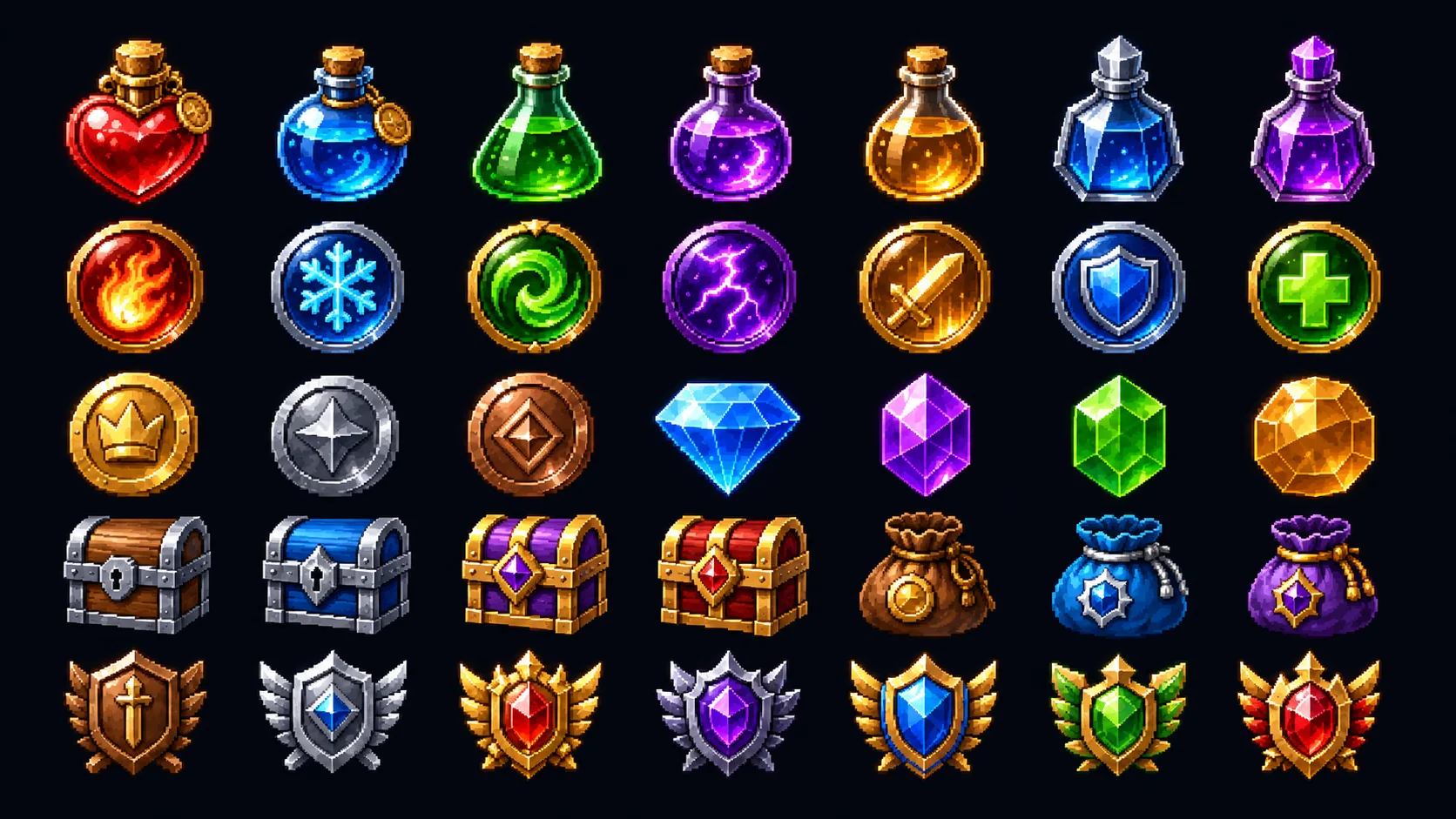

Inventory Icons
Build matching backpack, loot, and equipment icons for an AI inventory icon generator workflow.
Prompt or reference → game-ready icons
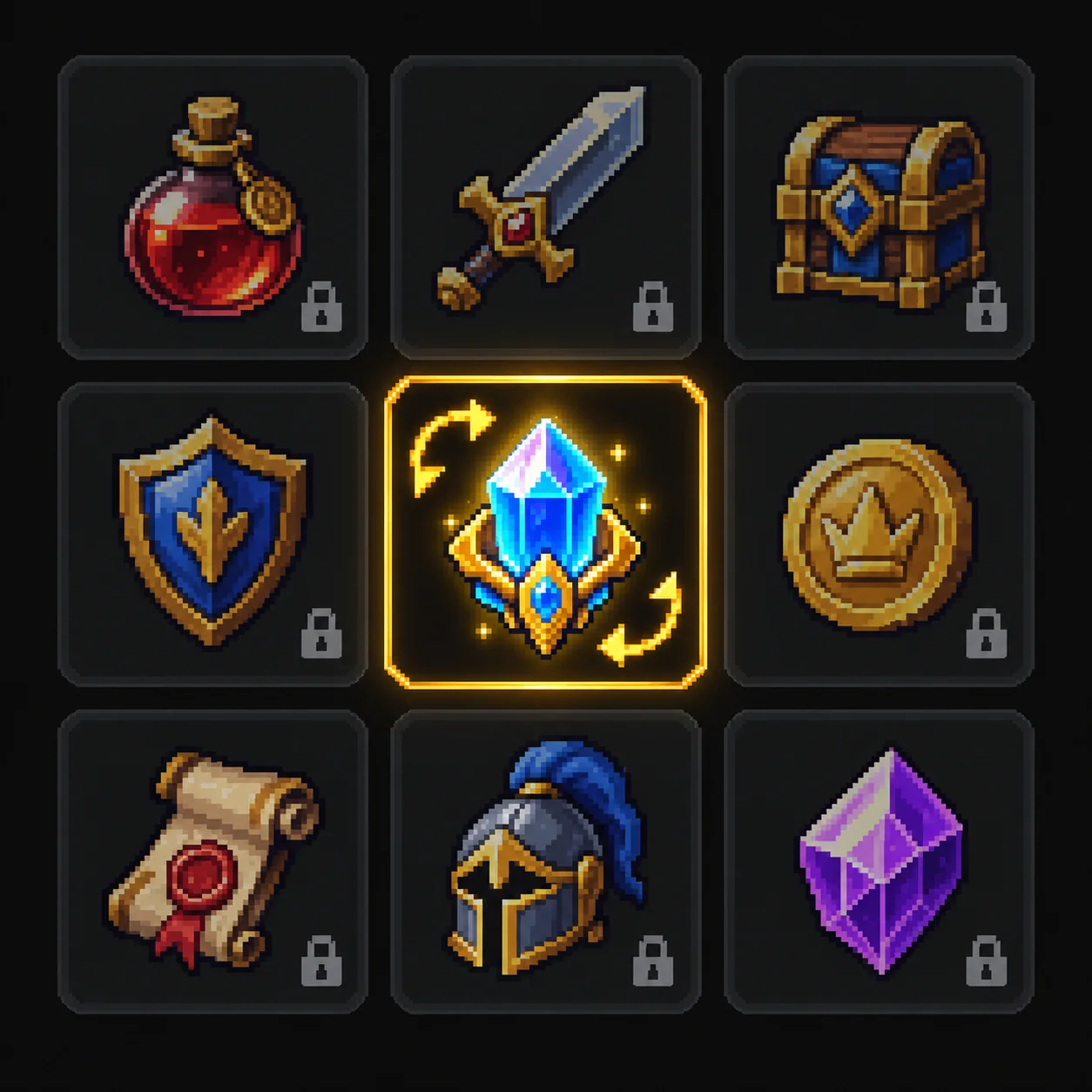
Create up to 9 consistent game icons, items, weapons, skills, and props in one model request and download them as a single 3×3 transparent sheet.
One item per line, formatted as “Name: description”. Up to 9 items.
0/9 filled
Create inventory icons, weapons, potions, skills, collectibles, and other game assets in a unified visual style.
Generate isolated game objects that can be used as inventory icons, world props, collectibles, or UI assets.
Build matching backpack, loot, and equipment icons for an AI inventory icon generator workflow.
Generate isolated swords, bows, and staffs that work as UI icons or world pickups.
Create potions, keys, and consumables as a game item icon generator set.
Design skill and ability icons that stay readable at HUD size.
Produce crates, furniture, and other isolated objects with a game prop generator look.
Make coins, gems, and quest objects that match the rest of your icon set.
Pick a visual direction for the whole batch, then keep every icon and prop in the same language.
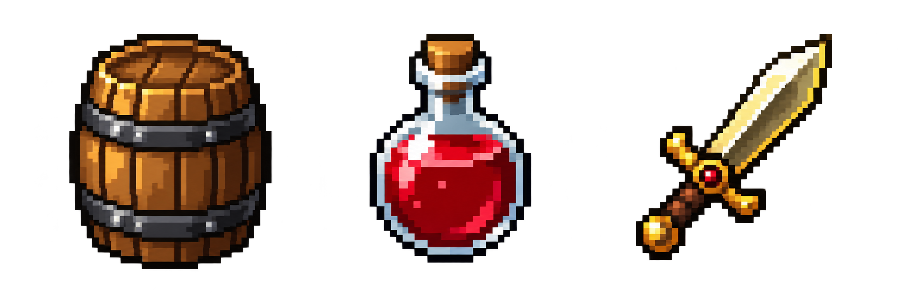
Classic 16-color pixel art icon generator looks for retro RPGs and action games.
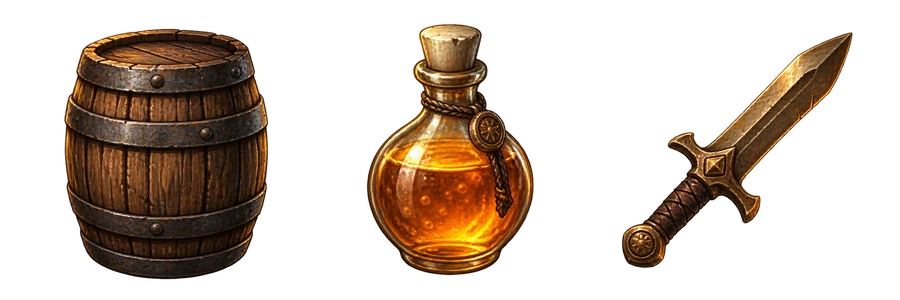
Painterly RPG icon generator shading for weapons, potions, and inventory art.
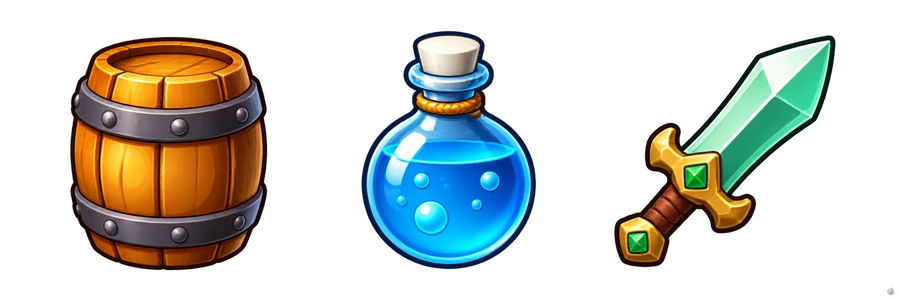
Clean outlines and readable shapes for casual game icons and props.
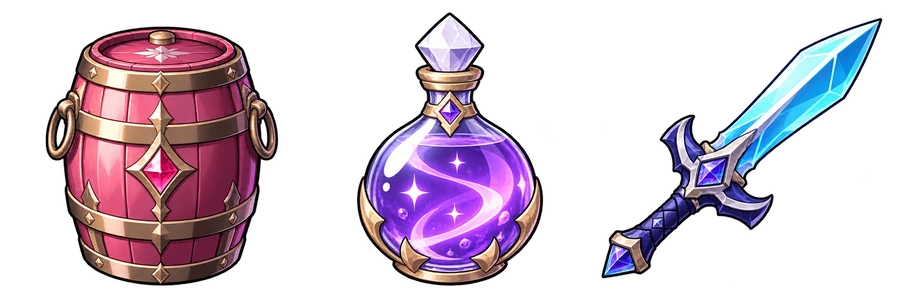
Cel-shaded anime icons for skills, items, and UI.
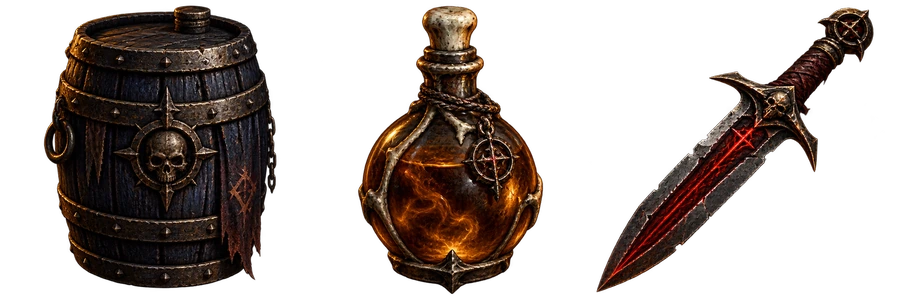
Moody metals, relics, and dungeon props for dark fantasy sets.
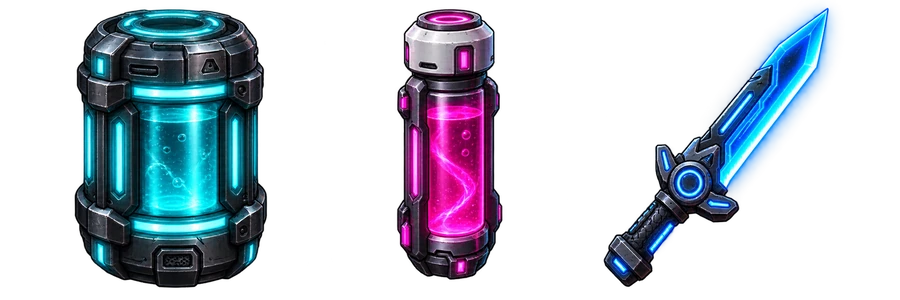
Neon hardware, chips, and tech props for sci-fi inventories.
The complete 3×3 sheet is generated and retried as one image so its style stays consistent.
9 icons
Regenerate the sheet
Get one transparent 3×3 sheet with a locked style and predictable cells—download it or keep it in the project and wire it into UI and props right away.
Generate up to nine icons in a single batch instead of tuning prompts one icon at a time.
Clean alpha so icons stack on Unity, Godot, or Phaser UI and scenes without extra cutout work.
Weapons, potions, and skills share the same lighting and line work so the bar reads as one art pass.
Download a single 3×3 image instead of hunting for nine separate files.
Every sheet is stored on the project so you can refine and download again from any device.
Nine equal slots with transparent empties—easy to slice or map frames in your pipeline.
Add icons, weapons, props, items, or skills. Short names are enough to start a batch of up to 9.
Select a preset or upload a reference image so the whole set stays consistent.
Generate up to 9 assets together on one consistent 3×3 image, then download the finished sheet.
Keep working in the browser with matching SpritePixel tools. No extra account is required for the free sprite tools.
Create game-ready sprites and matching actions from a project prompt.
Pack PNG frames or a GIF into a sprite sheet, then export PNG with optional JSON.
Cut a sprite sheet into individual PNG frames with a visible, editable grid.
Arrange GIF frames into a local PNG atlas.
Extract, cut out, and preview frames from a short video.
Remove image backgrounds locally, up to 20 at a time.
Remove GIF backgrounds locally and export transparent frames.
An AI game icon generator creates game-ready icons from text descriptions or reference images, including inventory items, skills, weapons, abilities, and UI icons.
Yes. SpritePixel generates up to 9 icons together on one 3×3 image so the complete set shares one visual style.
Retry regenerates the complete 3×3 sheet as one image, preserving the shared style and layout.
You can create inventory icons, skill icons, item icons, weapon icons, ability icons, status icons, and other game UI assets.
Yes. Pixel Art is one of the available styles, along with Hand-painted RPG, Cartoon, Anime, Dark Fantasy, and Cyberpunk.
Yes. You can upload a reference image to help maintain a specific visual style across your generated icons.
You can generate game icons for common sizes such as 64×64, 128×128, and 256×256.
Download the complete transparent 3×3 icon sheet as one PNG.
Yes. You can generate isolated objects such as crates, weapons, potions, furniture, collectibles, and other game props in addition to traditional UI icons.
Game icons are usually designed for inventories, skills, and UI, while props are objects that may appear directly in the game world. SpritePixel can generate both using the same consistent style.
Describe up to 9 icons or props in the workspace above, pick a style, and generate one consistent 3×3 sheet.
Open the workspace